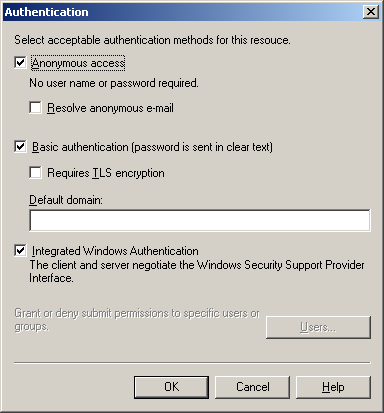
Exchange is requiring TLS encryption before accepting SMTP commands. POPcon uses plain SMTP without STARTTLS, so the receive connector must be configured to allow unauthenticated, unencrypted connections.
Fix (Exchange 2013 / 2016)
- Open Exchange Admin Center.
- Go to Mail Flow > Receive Connectors.
- Open the Default Frontend [SERVERNAME] connector.
- On the Security tab, ensure "Anonymous users" is checked.
- Verify TLS is not required (it should only be offered, not enforced).
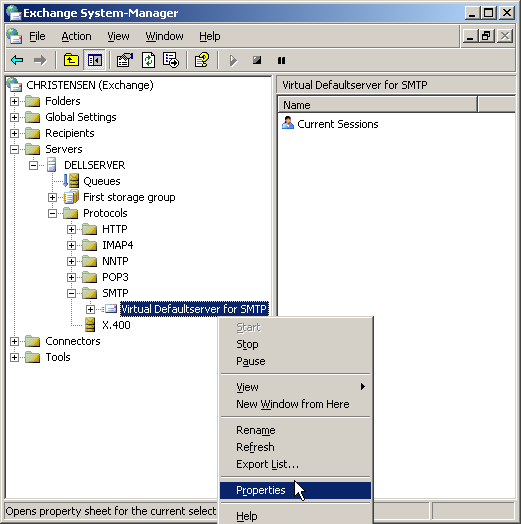
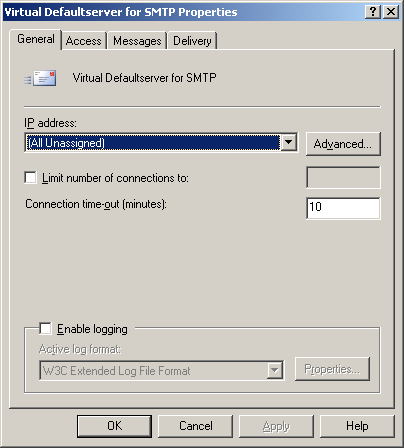
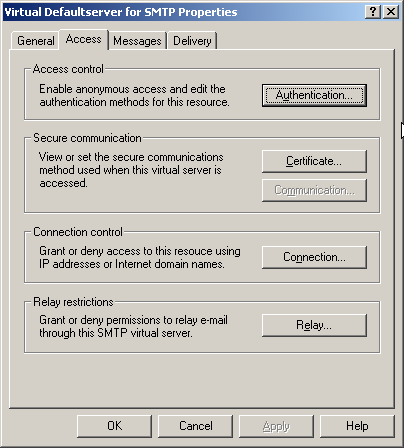
Screenshots — step by step