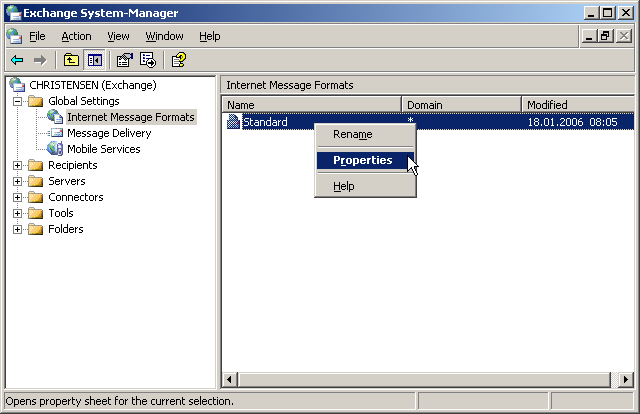
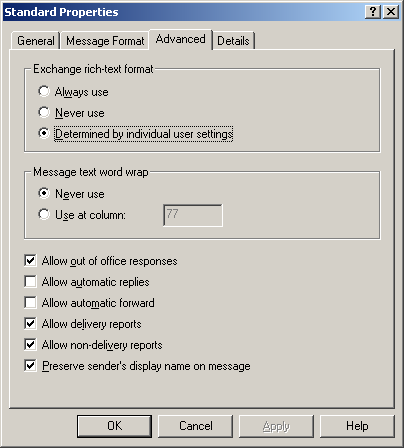
To receive NDRs when email is sent to an address that does not exist in Exchange:
- In POPcon, disable "Re-route email to unknown recipients".
- In Exchange, disable recipient filtering so that unknown recipients are rejected with an NDR rather than silently dropped.
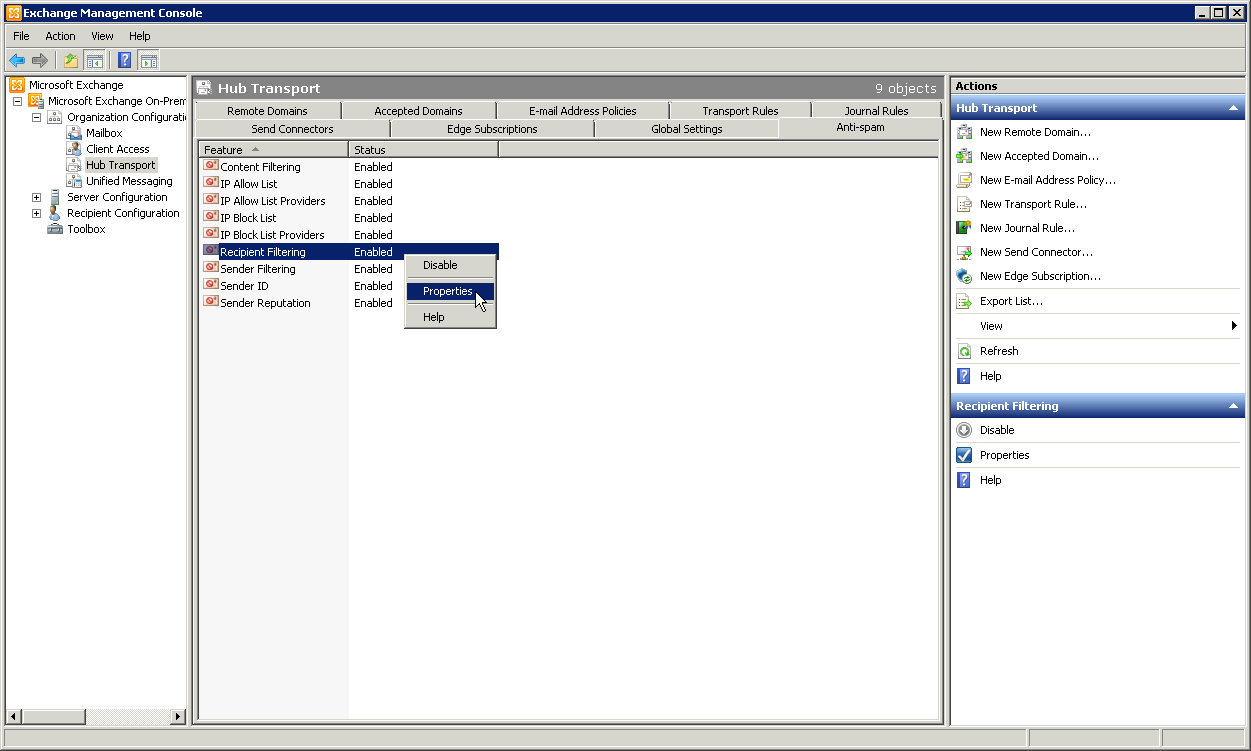
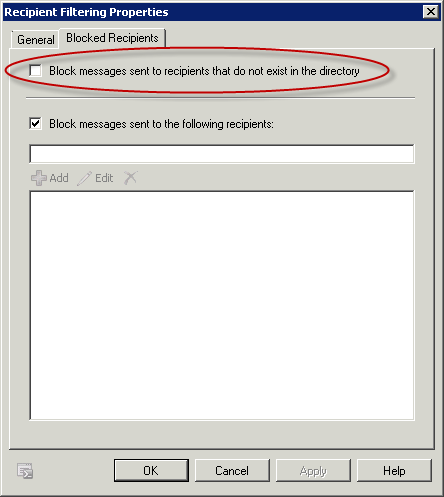
Exchange 2007 / 2010
Exchange Management Console > Organization Configuration > Hub Transport > Anti-Spam > Recipient Filtering: uncheck "Block messages sent to recipients that do not exist".
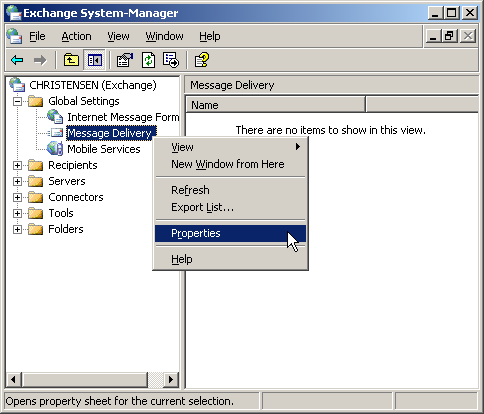
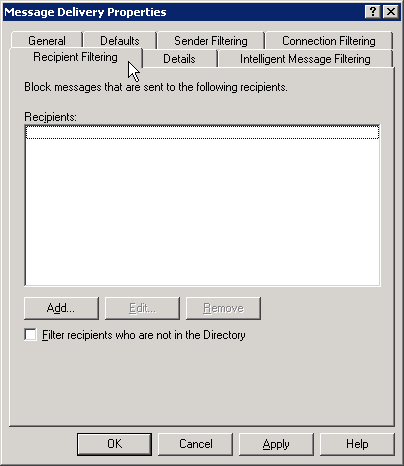
Exchange 2003
Exchange System Manager > Global Settings > Message Delivery > Recipient Filtering: uncheck "Filter recipients who are not in the Directory".
For Exchange 2016, 2019 and SE, the out-of-office and oversized-mail cases, and the reason a report may be generated and still never reach the sender, see the guide NDRs for external senders behind a POP3 connector.
Screenshots — step by step