← Knowledge Base

"Mail transfer to Exchange failed: Connection to host denied"

Exchange's SMTP service is not responding on port 25. Common causes:

  • Antivirus blocking port 25 — some endpoint security products intercept SMTP. Try disabling temporarily.
  • Port changed — another application may have claimed port 25.
  • POPcon lacks connection permission — verify the receive connector allows the POPcon IP address.
  • Antispam rejecting connection — add the POPcon server's IP to the Exchange IP Allow List.

Test with TELNET

telnet exchangeservername 25

You should see an SMTP banner (220 ...). If the connection is refused or times out, port 25 is blocked between the two machines.

Screenshots — step by step
The computer where POPcon is installed on might not be allowed to connect to the SMTP server of Exchange. Check the settings under Exchange System Manager, Servers, your server, protocols, SMTP, properties of the Virtual Defaultserver for SMTP, Access, Connection.
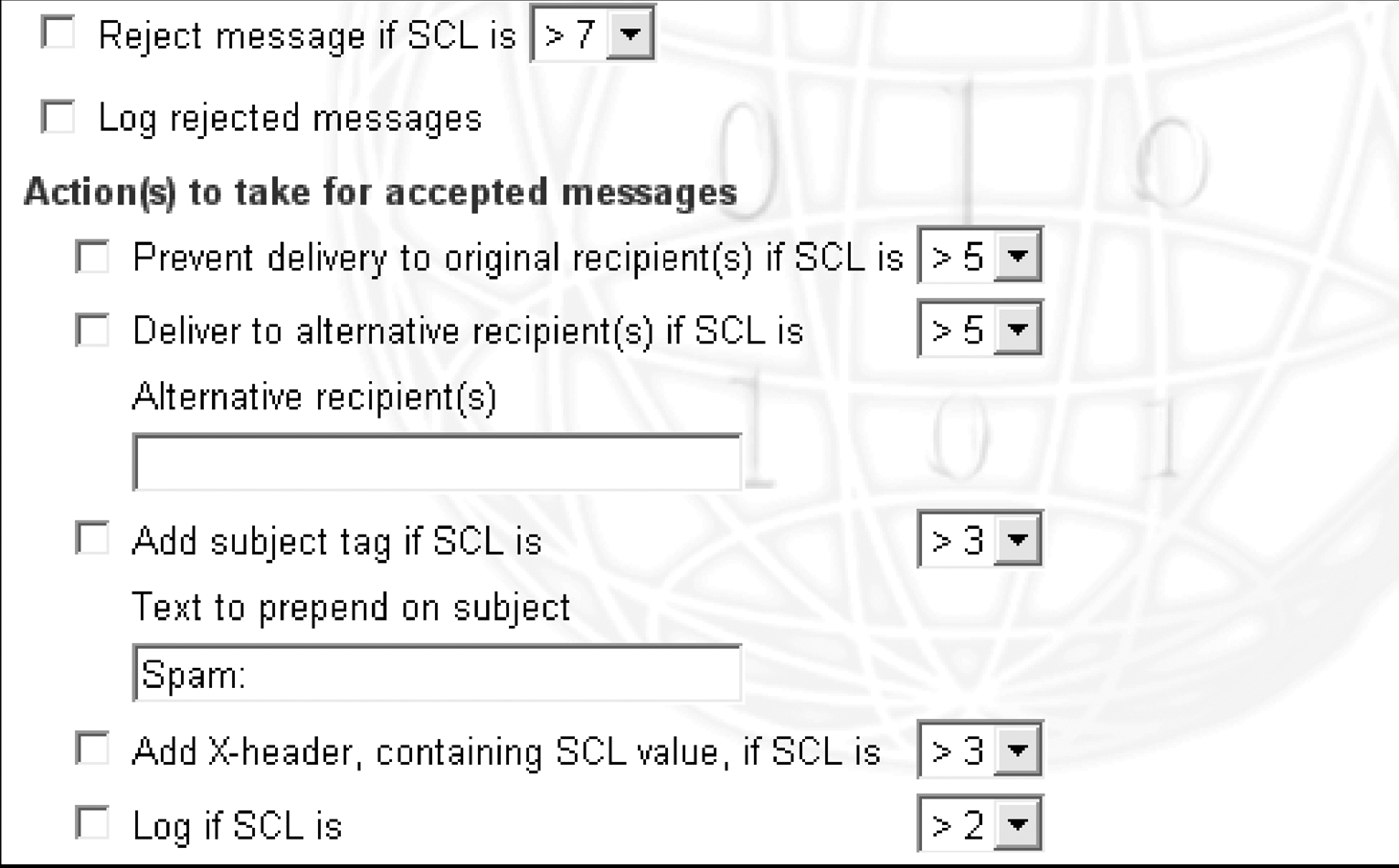
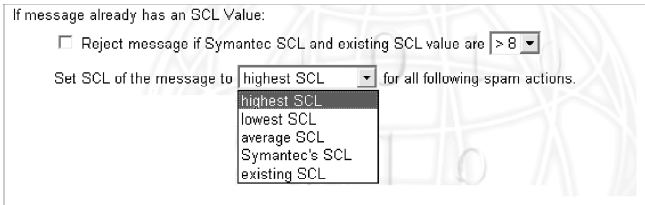
It could also be the antispam portion of any antivirus software installed on the server. Most antivirus packages nowadays include antispam features you might not even be aware of. In the Symantec mail security product for example you need to uncheck the rejection options here

Need more help? Contact support