By default, Exchange distribution groups require senders to be authenticated (i.e. internal Exchange users). External senders — including emails forwarded by POPcon — are rejected.
Fix
Option A: Exchange Management Console
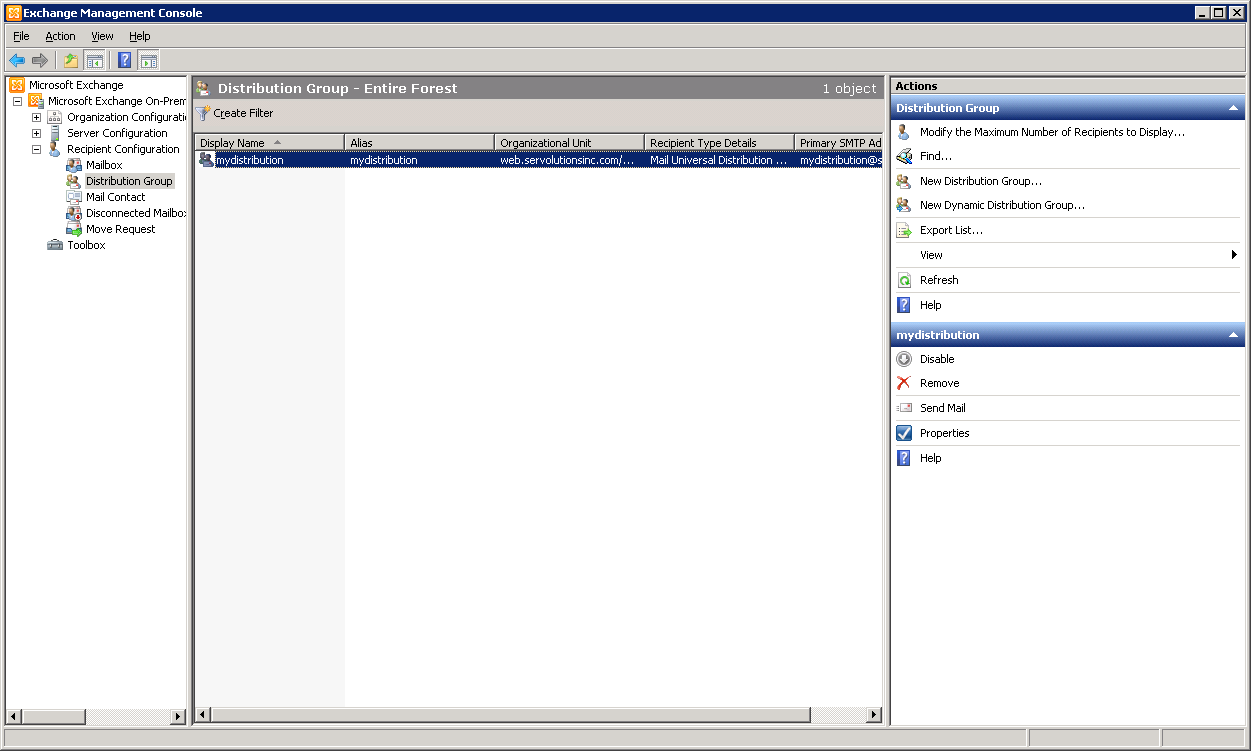
- Open the distribution group properties.
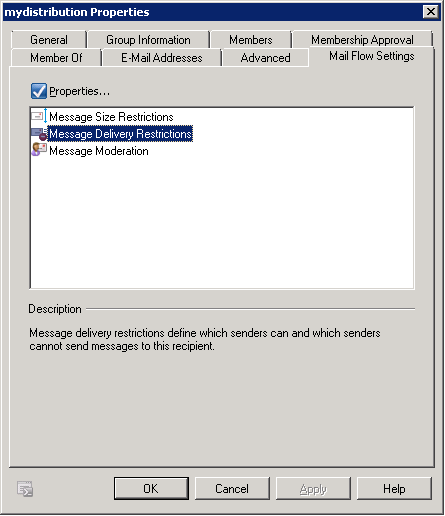
- Go to Mail Flow Settings > Message Delivery Restrictions.
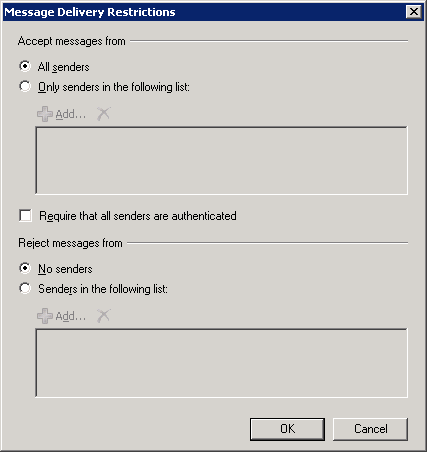
- Uncheck "Require that all senders are authenticated".
Option B: Exchange Management Shell
Set-DistributionGroup GROUPNAME -RequireSenderAuthenticationEnabled $FalseScreenshots — step by step